
A collection of common terms used by foreign trade independent stations
Foreign trade independent stations involve a large number of technical terms such as domain names, URLs, front-ends, back-ends, servers, databases, CDN, SEO, GEO, GA4, GSC, etc. From the perspective of a foreign trade business owner, this article sorts out common terms in website construction, operation, promotion and data analysis in a simple and easy-to-understand way, helping companies understand the components and functions of independent websites.
If it is your first time to do foreign trade independent website, you may encounter a series of words that look very professional but are not easy to understand:
What is a domain name? What is a server? What are Header, Footer and Slug? Why building a website also involves React, Next.js, API, database, CDN, SSL, SEO, GSC, GA4, GEO and other concepts?
If you are not working in the Internet or technology industry, it is indeed easy to feel complicated when you first come across these words.
But in fact, most of these technical terms can be understood in a relatively simple way.
Today we will not talk about complex codes, nor will we start from the perspective of a programmer. Instead, we will look at the perspective of a foreign trade company owner and systematically sort out the basic concepts that are often encountered in the process of an independent foreign trade station from "what it is" to "how to run it" and then to "how to promote it".
You don’t need to be a technician, but you should at least know:
- What the website building company is doing
- What parts does the website consist of
- What technologies will affect website performance
- Which accounts and assets should be controlled by the company itself
- How to judge whether a website building plan is suitable for your business
The following can serve as your website terminology cheat sheet.
1. Basic terms of website
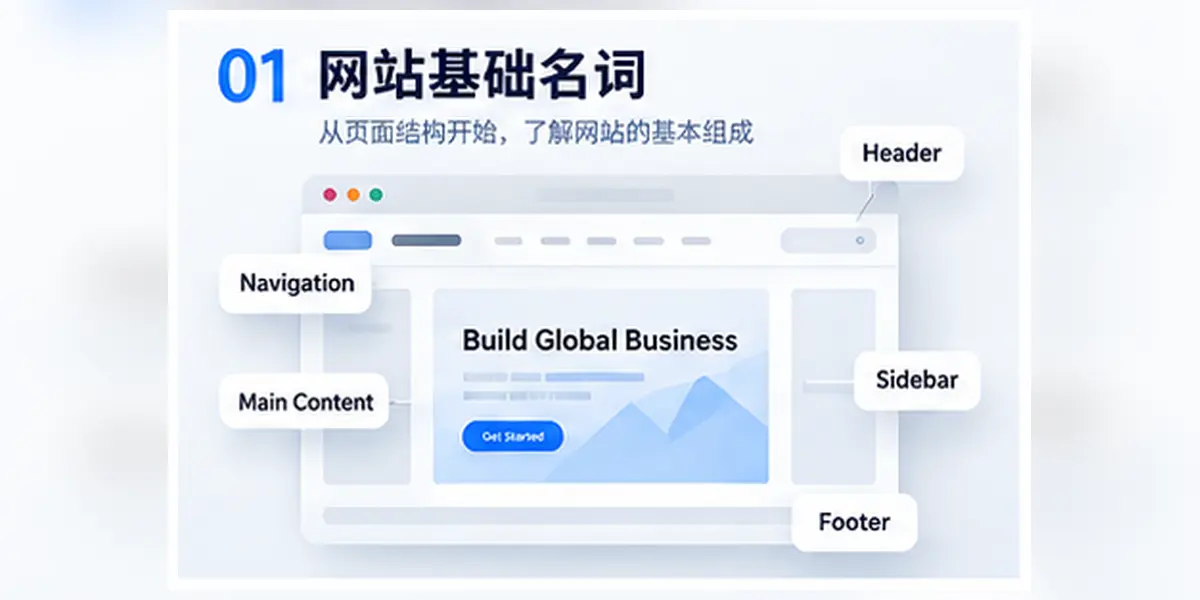
When you first come into contact with an independent website, the first thing you usually encounter are some English words related to page structure. They are not complicated. After understanding these words, communication with the website construction company will be smoother later.
| Chinese nouns | English expressions | Easy to understand | Main functions |
|---|---|---|---|
| Website | Website | Entire website | A whole composed of multiple web pages, pictures, text, functions and back-end systems |
| Web page | Web Page | A page in the website | Independent content pages in the website, such as product pages, about us pages, blog pages |
| Homepage | Homepage | Home page of website | The page that users usually see first after entering the website is mainly responsible for displaying the company's positioning and core business |
| Inner pages | Inner Page | Pages other than homepage | Including product page, service page, case page, blog page, contact us page, etc. |
| Header | Header | Top area of website | Usually includes logo, navigation bar, language switching, search and contact buttons |
| Navigation bar | Navigation | Website menu | Help users quickly access products, services, about us and contact pages |
| Main content | Main Content | Core content of the page | The information that the current page really wants to display, such as product introduction, article text or service content |
| Footer | Footer | Website bottom area | To supplement company information, contact information, important links and legal policies |
| Menu | Menu | Page navigation entrance | Help users navigate different areas of the website through text, buttons or drop-down options |
| Breadcrumbs | Breadcrumb | Show current page position | Tell the user which category the current page belongs to, so as to facilitate returning to the previous page |
| Sidebar | Sidebar | Page side area | Commonly used to display categories, related articles, filter conditions or auxiliary navigation |
| Pop-up window | Popup / Modal | Pop-up window | Used to display inquiry forms, promotional information, prompt content or login windows |
| Button | Button | The element the user clicks on | Guide the user to the next step, such as submitting a form, viewing a product, or getting a quote |
| Form | Form | Area where users submit information | Used to collect customer information such as name, email, company, product requirements, etc. |
| Contact us | Contact Us | Contact Portal | Provide email, phone, WhatsApp, contact form and other methods to facilitate communication between customers and enterprises |
| Search box | Search Box | Search within the website | Help users quickly find products, articles, services or other page content |
2. Domain name and URL
Domain name and URL are the most basic address system of the website.
It can be easily understood:
The domain name is the address of the website, and the URL is the complete address of a specific web page.
For example:
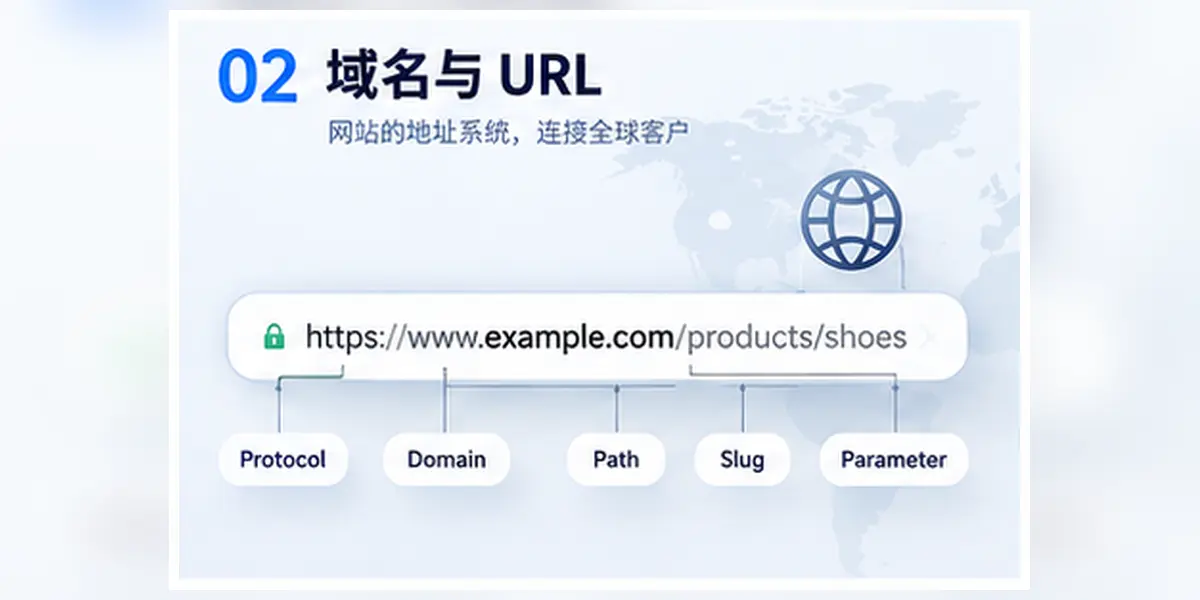
https://www.example.com/products/shoes?color=black#sizeThis address not only tells the browser which website it should visit, but also tells users and search engines which page they are currently visiting, and whether the page has filter conditions or positioning.
| Chinese nouns | English expressions | Easy to understand | Main functions |
|---|---|---|---|
| Domain name | Domain Name | Website address name | Used to access corporate websites, such as example.com |
| Top-level domain name | TLD | Domain name suffix | For example, .com, .net, .org |
| Country domain name | ccTLD | Country or region domain name | For example, .cn, .de, .uk |
| Subdomain name | Subdomain | Independent address under the main domain name | For example, blog.example.com, shop.example.com |
| URL | Uniform Resource Locator | Full web address | Used to locate a specific page on the Internet |
| Agreement | Protocol | How to access the website | The common one is https://, used to establish a secure connection |
| Path | Path | Page directory structure in URL | For example/products/shoes |
| Slug | URL Slug | The name of the specific page | usually refers to the part of the path used to describe the theme of the page, such as shoes |
| Parameters | Query Parameter | Additional conditions after the URL | For example, ?color=black, often used for filtering, searching and tracking |
| Anchor | Anchor | Position on the page | For example, #about, used to jump to a certain area of the current page |
| Canonical | Canonical URL | Page standard URL | Tell search engines which URL is the primary version of the page |
| Redirect | Redirect | Jump from one URL to another URL | Commonly used for page address change, domain name change or link arrangement |
| 301 Redirect | 301 Redirect | Permanent redirect | Indicates that the original page is permanently moved to the new address |
| 302 Redirect | 302 Redirect | Temporary redirect | Indicates that the current jump is only temporary, and the original address may be restored |
3. Front-end technology
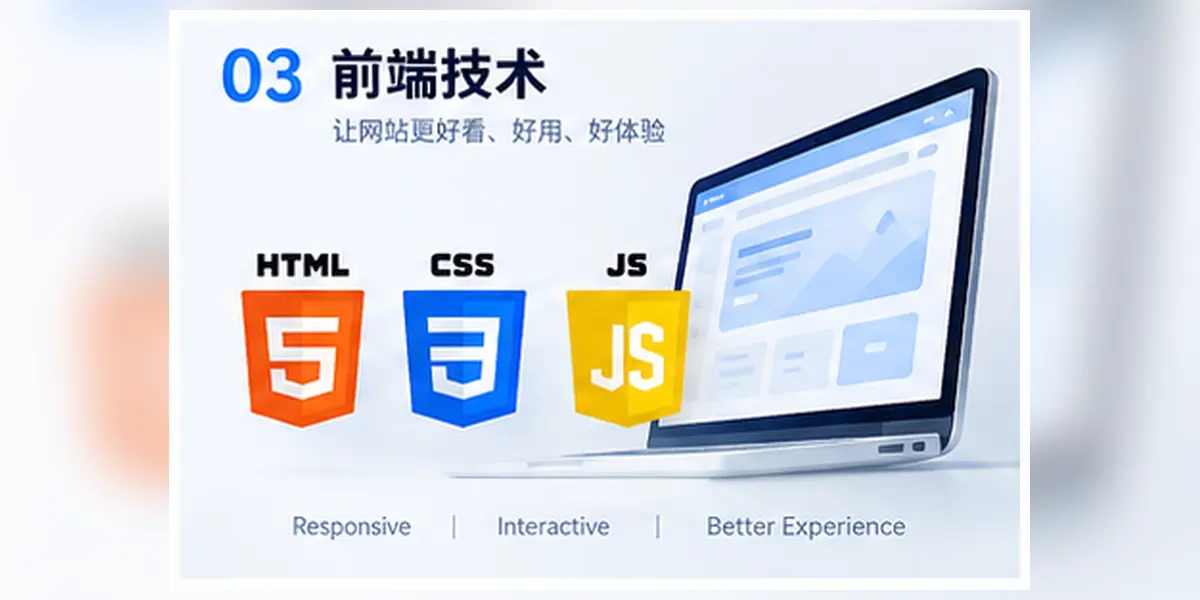
Front-end technology is the part of website development that is most directly perceived by customers.
The text, pictures, buttons, navigation, animations, forms and page layouts you see on the web page basically belong to the front end.
In short:
The front end is responsible for displaying website content to users and allowing users to operate on the page.
The front-end of an independent foreign trade station is not just about “making the webpage beautiful”, but also needs to consider:
- Is the page easy to understand
- Is the product information clear
- Whether the mobile phone display is normal
- Is the website loading fast enough
- Is the form easy to fill in
- Is the navigation easy to use
- Whether the page is suitable for SEO and AI understanding
- Whether it runs stably in different browsers
Common front-end technical terms
| Chinese nouns | English expressions | Easy to understand | Main functions |
|---|---|---|---|
| Front end | Frontend | The part that users see and operate | Responsible for web page display, interaction and user experience |
| HTML | HTML | Web page structure | Define what content is on the page and the hierarchical relationship between the content |
| CSS | CSS | Web page style | Control colors, fonts, spacing, layout and responsive effects |
| JavaScript | JavaScript | Web page interaction and logic | Implement functions such as buttons, pop-up windows, filtering, carousels, and dynamic loading |
| TypeScript | TypeScript | Enhanced version of JavaScript | Add type checking to JavaScript to help improve code stability |
| React | React | User Interface Development Library | Build complex web pages and web applications using componentization |
| Vue | Vue.js | Front-end framework | Used to develop interactive websites and management backends |
| Angular | Angular | Front-end framework | Suitable for building web applications with complete structure and large scale |
| Next.js | Next.js | React ecological web framework | Provides routing, rendering, SEO and deployment capabilities based on React |
| Nuxt.js | Nuxt.js | Vue ecological web framework | Provides routing, server-side rendering and SEO capabilities based on Vue |
| Tailwind CSS | Tailwind CSS | CSS tool framework | Quickly build pages through preset style classes |
| Bootstrap | Bootstrap | UI/CSS framework | Provides common layouts, buttons, forms and responsive components |
| Ant Design | Ant Design | UI component library | Provides common interface components for backend systems and enterprise applications |
| Three.js | Three.js | 3D web development library | Used to create 3D product displays, interactive scenes and visualizations |
| Swiper | Swiper | Carousel chart component | Used to create image carousels, product sliding displays and mobile sliders |
| Framer Motion | Framer Motion | Animation library | Used to create page transitions, component animations and interactive effects |
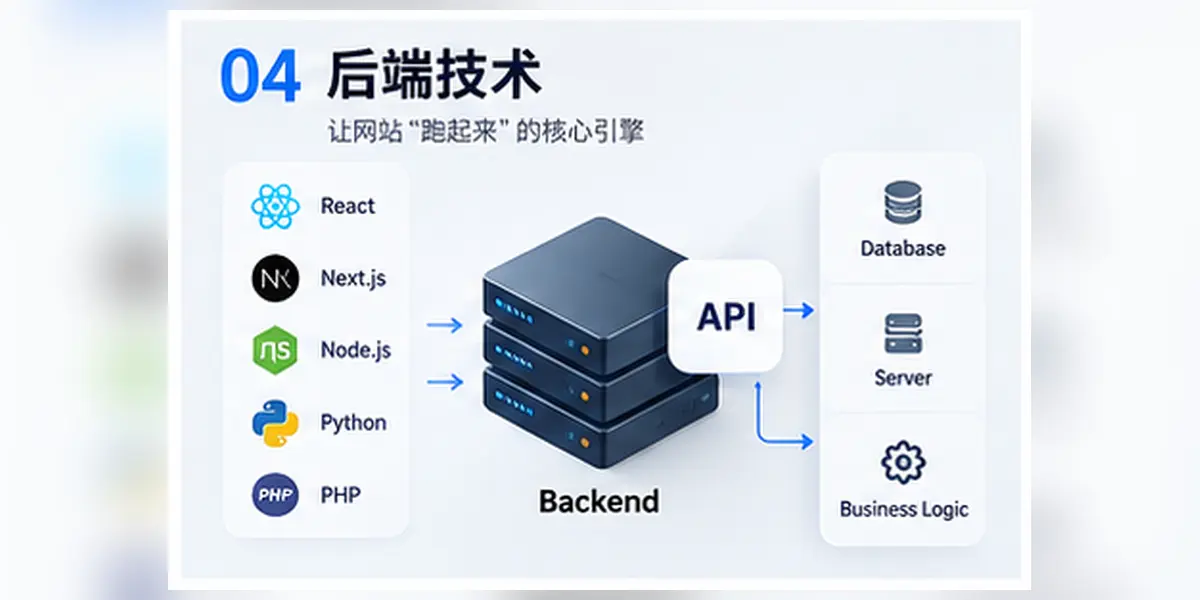
4. Back-end technology
The front end is the part that customers can see and operate, while the back end is the system behind the website that is responsible for running, processing, and managing it.
When a customer sees a product page on a web page, submits an inquiry, or clicks the "Get Quote" button, back-end involvement is usually required.
The backend is mainly responsible for:
- Processing business logic
- Manage products and content
- Save customer information
- Receive inquiry data
- Connect to database
- Send email notification
- Manage user permissions
- Connect with third-party systems
- Processing orders and payments
- Ensure website security and stable operation
It can be easily understood:
The front end is the facade that customers see, and the back end is the management system and operating logic behind the website.
Common back-end technical terms
| Chinese nouns | English expressions | Easy to understand | Main functions |
|---|---|---|---|
| Backend | Backend | The business logic behind the website | Responsible for processing data, permissions, forms, orders and system functions |
| Server | Server | Computers that serve the website | Store website files and run website programs |
| API | Application Programming Interface | Backend and backend communication interface | Allows different systems to exchange data and call functions |
| Database | Database | Storing website data | Save product, customer, order, article and user information |
| Node.js | Node.js | JavaScript runtime environment | Enable JavaScript to run on the server side |
| PHP | PHP | Common backend languages | Used to develop websites, backend systems and content management systems |
| Python | Python | Backend and AI development languages | Commonly used in back-end development, data processing, automation and AI applications |
| Java | Java | Back-end development language | Commonly used in large enterprise systems, management platforms and complex business systems |
| Go | Go | Back-end development language | Suitable for developing high-performance, high-concurrency network services |
| Laravel | Laravel | PHP development framework | Helping developers build PHP websites and systems more efficiently |
| Express | Express | Node.js backend framework | For rapid development of API and server-side applications |
| NestJS | NestJS | Node.js backend framework | Suitable for building back-end systems with clear structure and large scale |
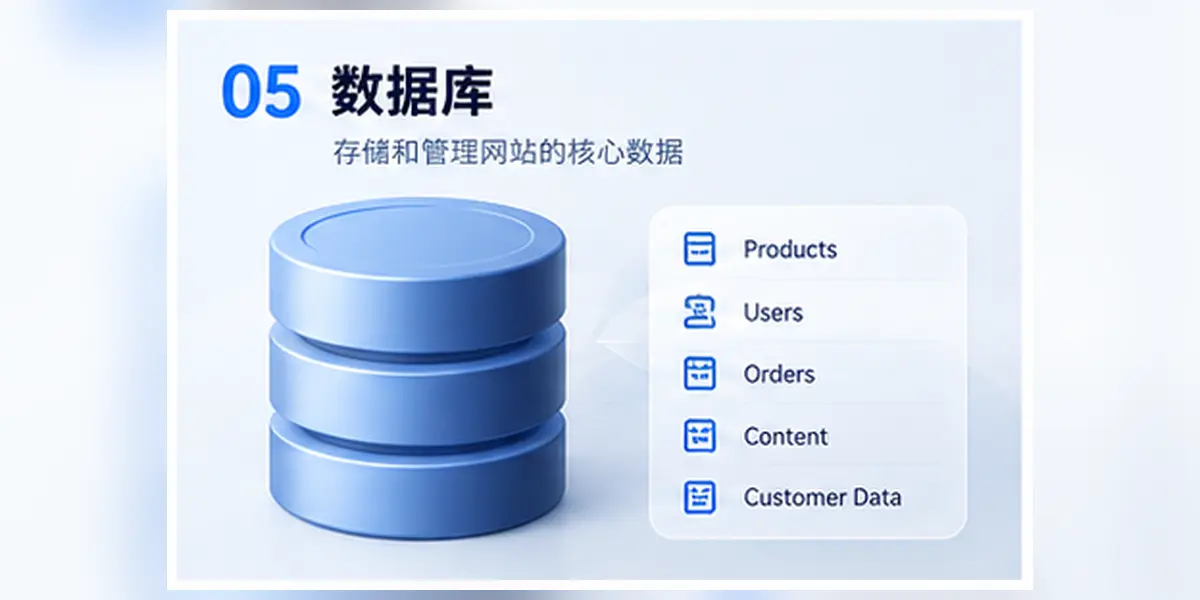
5. Database
A large amount of information on the website needs to be stored in the database.
If the website is compared to a company, then the database is like the company's internal data warehouse, responsible for saving and managing various information.
For example:
- Products
- User
- Order
- Customer
- Article
- Classification
- Inquiry
- Form
- Image and file information
- Website configuration
- Permission record
When a company adds a product in the background, publishes an article, or a customer submits an inquiry, the relevant data is usually saved in the database.
What is the main responsibility of the database?
The database is not just "storing data", it is also responsible for:
- Add new data
- Modify existing data
- Delete invalid data
- Query specified content
- Filter information by criteria
- Manage relationships between different data
- Control access permissions
- Back up and restore data
For example, if a customer filters "black customized shoes" on the website, the system needs to find products that meet the conditions from the database and then return the results to the front-end page.
After a customer submits an inquiry, the database needs to save the customer's name, email, company, requirements and submission time to facilitate subsequent viewing and follow-up by the sales team.
What is the relationship between the database and the website backend?
The backend of the website is the interface for the enterprise to operate and manage content, and the database is where the data is actually stored behind the backend.
For example:
- Enterprise login website backend.
- Add a new product in the background.
- Product information is submitted to the backend.
- The backend saves the content to the database.
- The front-end product page reads from the database and displays it.
Therefore, the content that enterprises see in the background usually comes from the database.
It can be easily understood:
The background is the operation interface, and the database is the data warehouse.
Common database types
| Database name | Type | Easy to understand | Common uses |
|---|---|---|---|
| MySQL | Relational database | Mature, common and widely used | Corporate website, blog, e-commerce, content management system |
| PostgreSQL | Relational database | Powerful and highly standardized | Large-scale websites, complex business systems, data analysis |
| MongoDB | NoSQL database | Suitable for storing data with flexible structure | Content systems, real-time applications, projects with large changes in data volume |
| Redis | Cache/key-value database | Fast reading speed, often used for temporary data | Cache, login status, verification code, access count and queue |
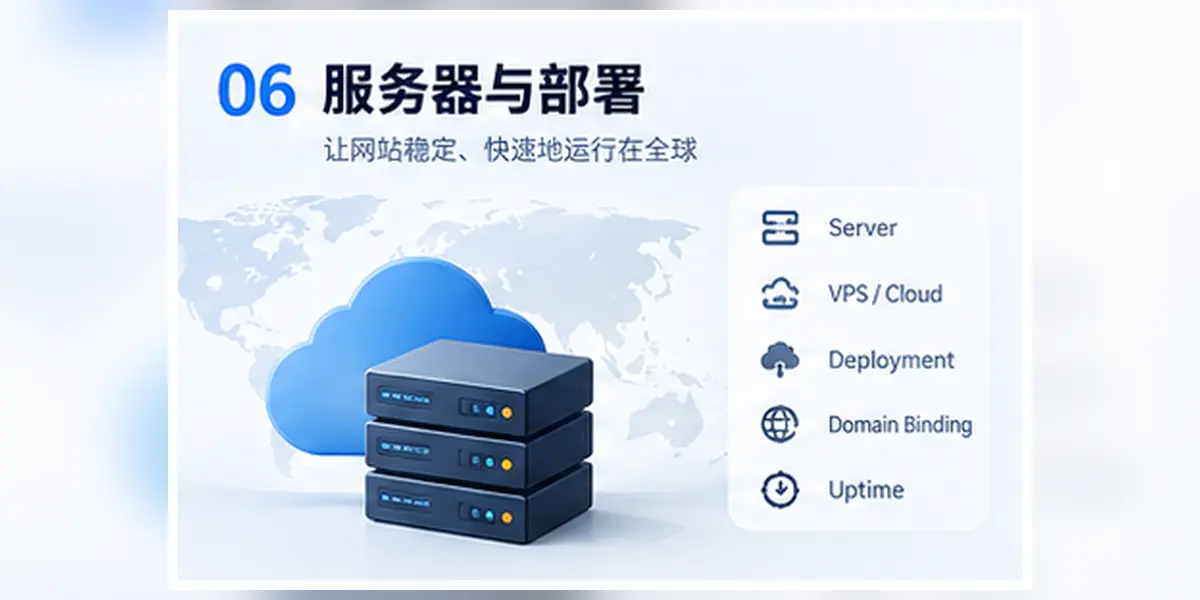
6. Server and deployment
After the website development is completed, the code, pictures, database and related configurations need to be placed on the server. After configuration, customers can access it normally through the domain name.
This process is usually called Deployment.
It can be easily understood:
Development is making the website in a local or test environment, and deployment is officially publishing the website to the Internet.
The launch of a website is not just about “uploading files”, but also involves many aspects such as server, domain name resolution, HTTPS certificate, code version, cache and security configuration.
Common server and deployment terms
| Chinese nouns | English expressions | Easy to understand | Main functions |
|---|---|---|---|
| Cloud server | Cloud Server | The server the website runs on | Provide computing, storage and network resources to run website programs |
| VPS | Virtual Private Server | Virtual Server | An independent virtual environment divided into a physical server |
| CDN | Content Delivery Network | Global Acceleration Network | Cache website resources to nodes in different regions to help customers access them faster |
| DNS | Domain Name System | Domain name resolution system | Convert domain name to server IP address |
| IP | IP Address | Server address | Used to locate servers or network devices |
| Nginx | Nginx | Web servers and reverse proxies | Receive access requests, forward traffic, process static resources and HTTPS |
| Apache | Apache | Web server | Responsible for receiving browser requests and returning website content |
| SSL Certificate | SSL Certificate | Website HTTPS Certificate | Verify website identity and encrypt access connections |
| HTTPS | HTTPS | Encrypted website connection | Protect data transmitted between users and the website |
| Deployment | Deployment | Publish the website to the server | Let the website code and resources officially run on the server |
| Publish | Release | Publish the new version online | Provide new features, pages or fixed versions to users |
| Git | Git | Code version management tool | Record code changes to facilitate multi-person collaboration and version rollback |
| GitHub | GitHub | Code hosting platform | Save code, manage projects and collaborate on development |
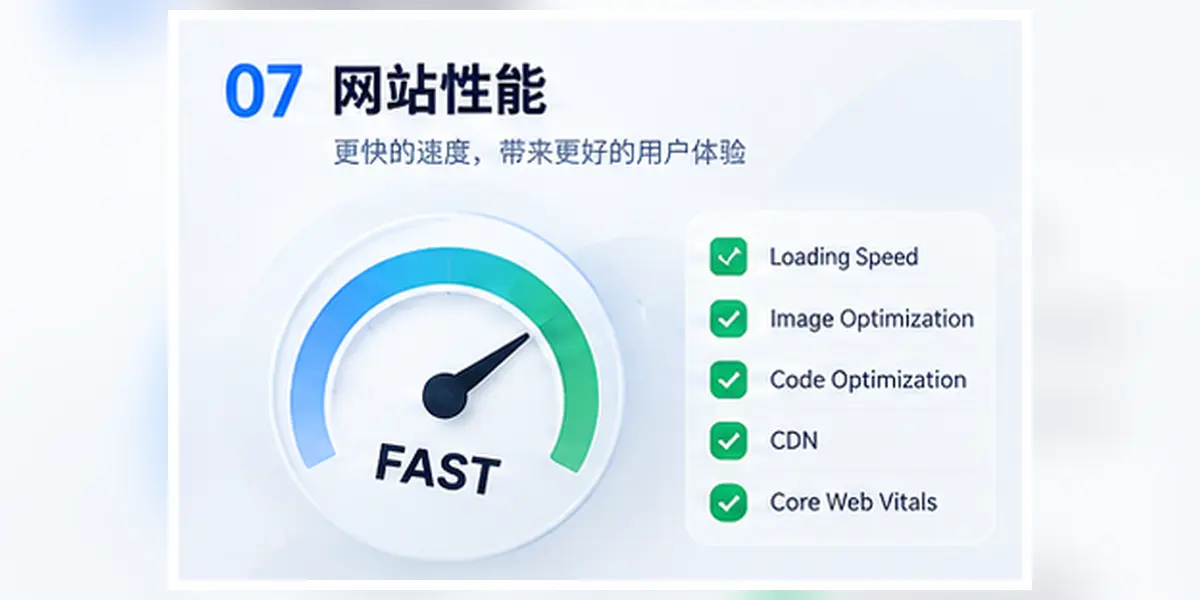
7. Website performance
Website performance, simply put, is whether the website opens and runs quickly, stably and smoothly.
For foreign trade independent websites, website performance not only affects user experience, but also affects:
- Whether the customer is willing to continue browsing
- Whether the product page can be opened successfully
- Whether the inquiry form can be submitted normally
- Is mobile access smooth?
- Google’s review of the website
- Conversion effect of advertising landing page
- The overall professionalism of the website
If there is no response for a long time after customers click on the website, or the page keeps jumping and the buttons cannot be clicked, even if the product and company are good, they may be lost due to a bad experience.
Common website performance terms
| Chinese nouns | English expressions | Easy to understand | Main concerns |
|---|---|---|---|
| Page loading speed | Page Load Speed | How fast the page opens | The time it takes for a user to click on a link and see the main content |
| Above the fold | Above the Fold / First Viewport | The area users see first | Content that can be seen without scrolling the page |
| Lazy loading | Lazy Load | Images or resources are loaded on demand | Load resources when the user scrolls to the relevant position |
| Caching | Cache | Temporarily save frequently used content | Reduce duplicate requests and speed up page access |
| Gzip | Gzip Compression | A compression technology | Compress web page files to reduce transmission size |
| Brotli | Brotli Compression | More modern compression technology | Provides higher compression efficiency than Gzip in some scenarios |
| WebP | WebP | Picture format | Reduce image size while maintaining better image quality |
| AVIF | AVIF | New picture format | Usually has higher compression efficiency, but compatibility and processing costs need to be considered |
| Lighthouse | Lighthouse | Website performance testing tool | Check performance, SEO, accessibility and best practices |
| Core Web Vitals | Core Web Vitals | Google core web metrics | Measure page loading, interaction and visual stability |
| LCP | Largest Contentful Paint | Maximum content drawing | Measuring the speed at which main content is displayed |
| INP | Interaction to Next Paint | Interact until next draw | Measuring the speed of visual feedback given by the page after user operation |
| CLS | Cumulative Layout Shift | Cumulative layout offset | Measuring whether content moves unexpectedly during page loading |
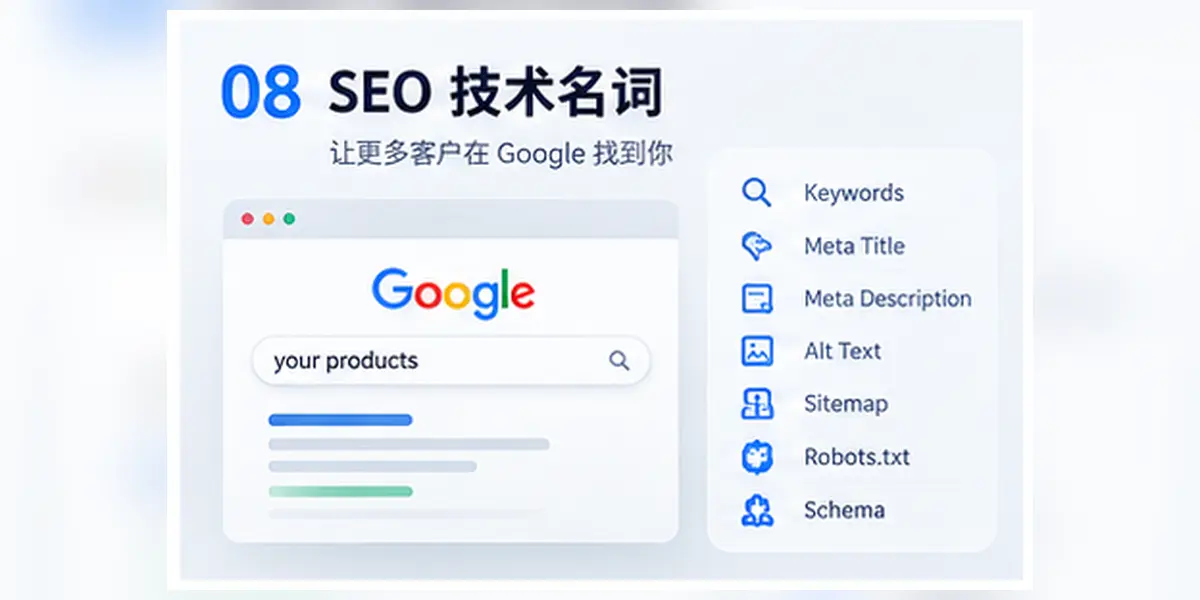
8. SEO technical terms
If you build an independent foreign trade website, SEO is a very important part.
After the website is built, customers will not automatically find you. Enterprises need to use search engine optimization to make it easier for Google to understand website content and gain more opportunities to be seen when customers search for related products or services.
SEO mainly solves one problem:
What are customers searching for on Google, and is there any chance that our website will appear in front of them?
However, SEO is not about simply repeating keywords on the page, nor is it about setting a few titles and getting ranked immediately.
SEO typically involves:
- Keyword research
- Page content
- Website structure
- Page speed
- Internal links
- External links
- Technical configuration
- User experience
- Company professionalism and credibility
- Long-term content operation
Common SEO technical terms
| Chinese nouns | English expressions | Easy to understand | Main functions |
|---|---|---|---|
| SEO | Search Engine Optimization | Search engine optimization | Improve search engine visibility through content, technology and site structure |
| Keywords | Keyword | Words searched by users | Reflects what customers enter into search engines |
| Search volume | Search Volume | The number of searches for a certain keyword | Understand the approximate search demand for a certain keyword |
| Search intent | Search Intent | Why users search | Determine whether the user is learning about, comparing, purchasing or looking for a specific website |
| Title | SEO Title | Page title | The page title that appears in search results and browser tabs |
| Meta Description | Meta Description | Search result description | Used to summarize page content to help users determine whether to click |
| H1 | Heading 1 | Main title of the page | Indicates the most important topic of the page |
| H2/H3 | Heading | Page level title | Organize article and page content structure |
| Alt | Alt Text | Image alt text | Describe the image content to help accessibility and search engines understand the image |
| Sitemap | XML Sitemap | Sitemap | Provide search engines with a list of important URLs for your website |
| Robots.txt | Robots.txt | Search engine crawling rules | Tell search engines which content is or is not recommended for crawling |
| Index | Indexing | Search engine inclusion | The page is saved by the search engine and has a chance to appear in the search results |
| Crawl | Crawling | Search engine crawling | The process of search engines accessing and reading website pages |
| Backlink | Backlink | External links | Links from other websites to your website |
| Internal Link | Internal Link | Internal links | Links between internal pages of the website |
| Anchor Text | Anchor Text | Link text | Text that users see when they click on the link |
| E-E-A-T | Experience, Expertise, Authoritativeness, Trustworthiness | Experience, professionalism, authority and credibility | Help understand the important characteristics of high-quality content and trustworthy websites |
| Schema | Schema Markup | Structured data | Describe page content type to search engines in a standardized way |
| JSON-LD | JSON for Linked Data | Structured data format | Commonly used to add Schema information to web pages |
| hreflang | hreflang | Multi-language or regional page markup | Help search engines determine pages in different languages and regions |
| Open Graph | OG | Social sharing information | Control the title, image and description displayed when web pages are shared on social platforms |
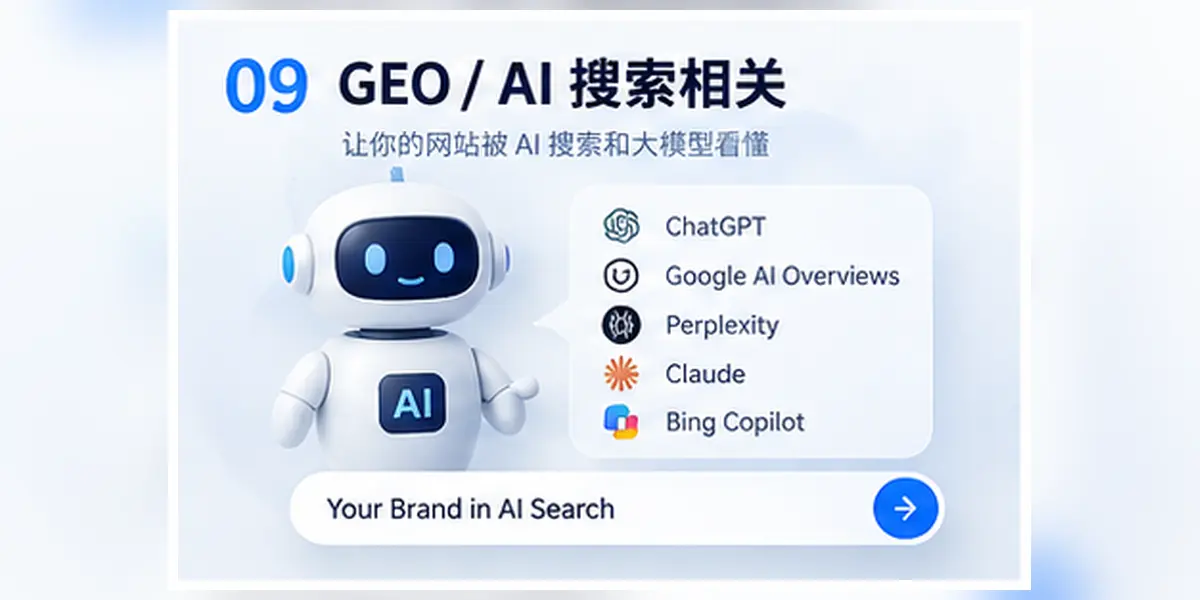
9. GEO/AI search related
With the development of tools such as ChatGPT, Google AI search, Perplexity, and Claude, the way customers obtain information is changing.
In the past, customers might search for keywords in Google and then open the websites one by one for comparison.
Now, customers may also ask questions directly to AI:
- Which companies manufacture private label shoes?
- What is the best custom shoe supplier in China?
- Which supplier can produce low MOQ footwear?
- What should I consider when choosing an OEM manufacturer?
AI will organize questions and generate answers based on web pages, corporate information, media reports, industry data and other sources on the public network.
Therefore, in addition to considering customer experience and traditional SEO, independent foreign trade websites also need to pay attention to:
Can AI understand who the company is, what products it provides, which customers it serves, and why it is trustworthy.
This is why GEO and AI search optimization are gradually receiving attention.
Common GEO and AI search terms
| Chinese nouns | English expressions | Easy to understand | Main functions |
|---|---|---|---|
| GEO | Generative Engine Optimization | Generative engine optimization | Make it easier for AI to understand, extract and quote website information |
| AI Search | AI Search | AI search | Ask questions directly through AI and get compiled answers |
| AI Overview | AI Overview | Google AI search summary | AI overview content generated by Google in search results |
| AI Citation | AI Citation | AI citation sources | Web pages and information sources cited or recommended in AI answers |
| Entity | Entity | Entity | An identifiable business, brand, product, person or place |
| Knowledge Graph | Knowledge Graph | Knowledge Graph | A knowledge network that organizes information using entities and their relationships |
| Structured Data | Structured Data | Structured data | Describe page, company and product information in a standard format |
| Machine Readability | Machine Readability | Machine readability | Is the content easily read, understood and processed by search engines and AI |
| AI Crawler | AI Crawler | AI crawler | Automated programs used to access and collect information from web pages |
llms.txt |
llms.txt |
AI-oriented site information file | A text file that attempts to help AI understand the important content of a website |
| Entity Recognition | Entity Recognition | Entity recognition | The process of AI identifying companies, brands, products and other important objects |
| Citability | Citability | Content citability | Whether web content is suitable for accurate extraction and citation by AI |
| E-E-A-T | Experience, Expertise, Authoritativeness, Trustworthiness | Experience, professionalism, authority, credibility | Important reference dimensions for measuring content and corporate credibility |
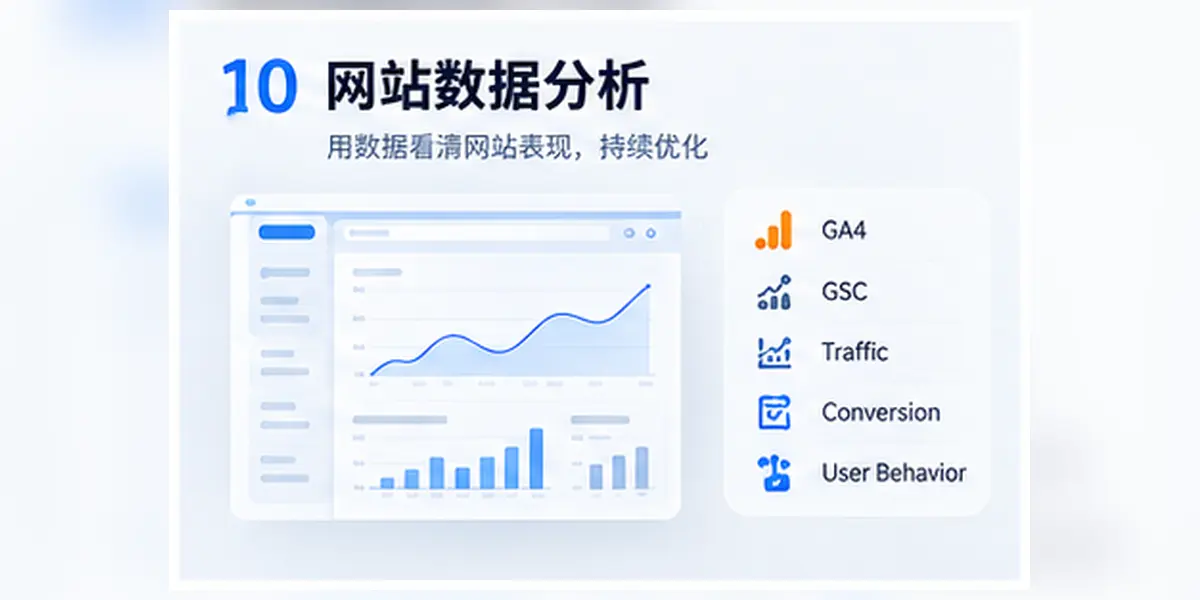
10. Website data analysis
After the website is online, you can’t just look at “has anyone visited”, you also need to know more:
- Where do users come from
- Which pages did the user view
- What products are users interested in
- At which step does the user leave
- Which pages brought inquiries
- Which promotion channels are worth continuing to invest in
This is website data analysis.
For independent foreign trade websites, data analysis can help companies judge:
Whether the website has attracted target customers and whether the traffic has been converted into real business opportunities.
Common website data analysis terms
| Chinese nouns | English expressions | Easy to understand | Main functions |
|---|---|---|---|
| GA4 | Google Analytics 4 | Website data analysis tool | Analyze user sources, page visits and conversion behavior |
| GSC | Google Search Console | Google Search Data Tool | Check the website’s exposure, clicks, inclusion and technical issues in Google |
| GTM | Google Tag Manager | Tag management tool | Manage statistical code and marketing tracking code in the website |
| PV | Page View | Page views | The number of times the page has been visited or loaded |
| UV | Unique Visitor | Number of unique visitors | The number of different users who visit the website within a certain period of time |
| CTR | Click Through Rate | Click-through rate | The proportion of users who click after seeing the content |
| CPC | Cost Per Click | Cost per click | Average cost per ad click |
| Conversion | Conversion | Conversion | User’s behavior of completing goals set by the company |
| Conversion Rate | CVR | Conversion rate | Proportion of users who have completed conversions to visiting users |
| Bounce Rate | Bounce Rate | Bounce rate | The proportion of users who do not continue to form effective interactions or browsing after visiting |
| Session | Session | Session | A visit process carried out by a user within a period of time |
| Event | Event | Event | Records of specific behaviors of users on the website |
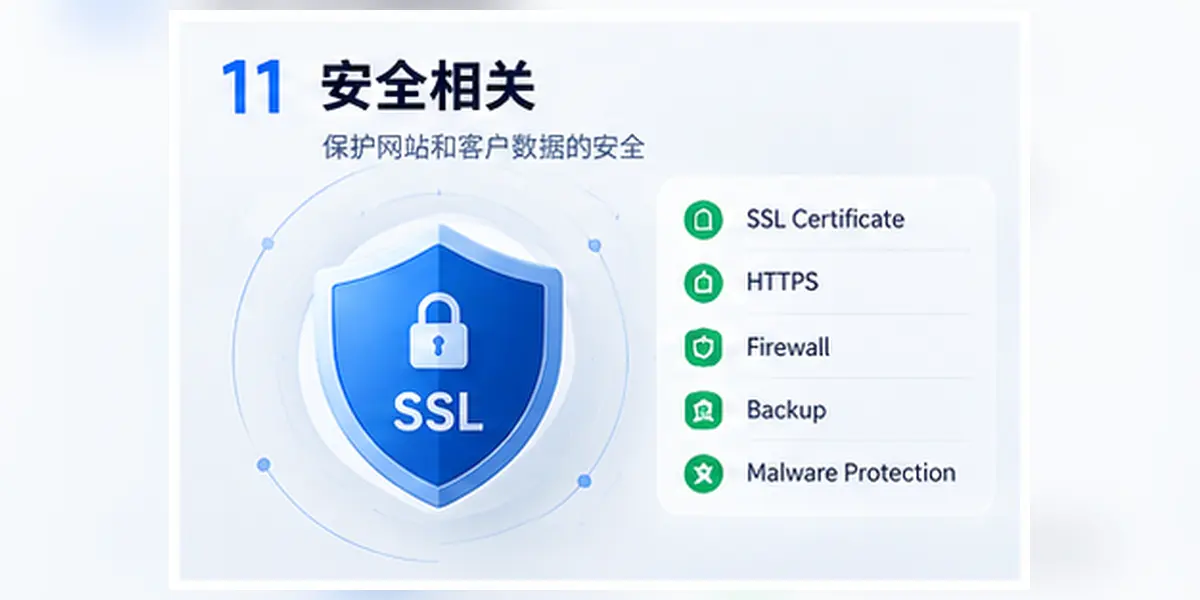
11. Safety related
Website security is a part that cannot be ignored in the long-term operation of an independent foreign trade website.
Many companies only focus on whether the website can be opened, whether the page looks good, and whether there are customer inquiries, but it is easy to ignore:
- Is customer data safe
- Is it easy to log in to the backend of the website
- Whether the form will be submitted maliciously
- Whether the server is protected
- Can the website be restored after an attack
- Are domain names, email addresses and third-party accounts protected?
Once a security issue occurs on the website, it may lead to:
- The website cannot be accessed
- The page has been tampered with
- Customer Data Breach
- Inquiry information lost
- Business email was stolen
- Website marked as dangerous by search engines
- Brand trust affected
Common website security terms
| Chinese nouns | English expressions | Easy to understand | Main functions |
|---|---|---|---|
| SSL Certificate | SSL Certificate | Encryption Certificate | Verify website identity and encrypt data between browser and server |
| HTTPS | HTTPS | Encrypted access | Access the website through a secure connection to protect data transmission |
| Firewall | Firewall | Network access control system | Allow or block network requests based on rules |
| WAF | Web Application Firewall | Web Application Firewall | Specialized protection against website and web application attacks |
| DDoS | Distributed Denial of Service | Distributed denial of service attack | The server cannot serve normally through a large number of requests |
| XSS | Cross-Site Scripting | Cross-site scripting attack | Inject malicious scripts through web pages to affect users or websites |
| SQL Injection | SQL injection | Database injection attack | Manipulate database queries via malicious input |
| CSRF | Cross-Site Request Forgery | Cross-site request forgery | Inducing logged-in users to perform unintentional operations |
| Authentication | Identity Authentication | Confirm who the user is | Verify identity through account, password or other methods |
| Authorization | Permission Control | Determine what users can do | Control the functions that different accounts can access and operate |
| 2FA | Two-Factor Authentication | Two-factor authentication | Add verification code or other verification methods in addition to password |
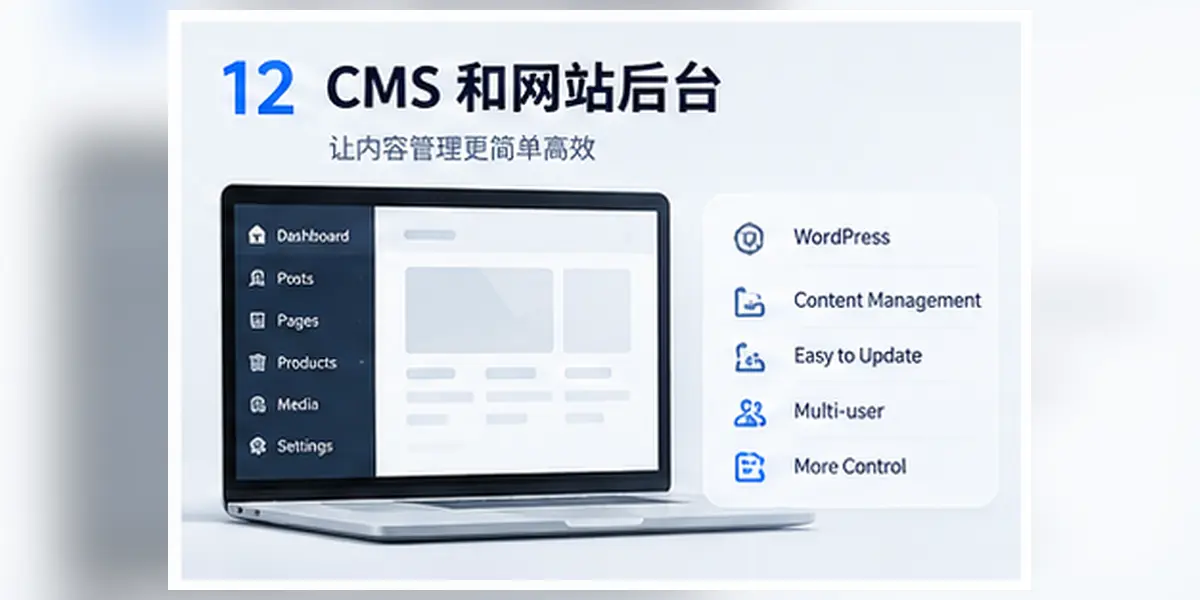
12. CMS and website backend
If a company needs to operate a website for a long time, it will often come into contact with CMS and website backend.
After the website is online, companies usually need to continuously update:
- Product Information
- Product pictures
- Company Introduction
- Blog Post
- Customer cases
- Certificate information
- Contact information
- Multi-language content
- SEO title and description
If you have to find a programmer every time you modify the content, it will affect efficiency and increase maintenance costs.
The role of CMS is to allow companies to manage website content through the backend without having to directly modify the code every time.
It can be easily understood:
CMS is a system for managing website content, and the backend is the management entrance for enterprises to operate CMS.
Common CMS and website backend terms
| Chinese nouns | English expressions | Easy to understand | Main functions |
|---|---|---|---|
| Content management system | CMS (Content Management System) | System for managing website content | Create, edit, publish and maintain pages, articles, products and other content |
| WordPress | WordPress | Common CMS | Used for corporate websites, blogs, e-commerce and content management |
| Backstage | Admin Panel / Dashboard | System for managing website content | Maintain products, articles, pictures and settings after enterprise login |
| Administrator background | Admin | Backend portal used by administrators | Manage users, permissions, website configuration and core content |
| Plugin | Plugin | Modules that extend website functionality | Add functions such as forms, SEO, caching, e-commerce and security |
| Theme | Theme | Website visual template | Control the page style, layout and overall style of the website |
| Page Builder | Page Builder | Visual page editing tool | Create pages by dragging or combining modules |
| Headless CMS | Headless CMS | CMS with front-end and back-end separation | Provide content to websites, apps and other channels through API |
| Content management | Content Management | The process of managing website content | Responsible for content creation, review, publishing, updating and archiving |
Summary
There are many technical terms involved in the independent foreign trade station, but they can be understood at different levels:
- Website Basics: Responsible for organizing pages and user browsing
- Domain name system: responsible for access address and page structure
- Development system: responsible for pages, interactions and business logic
- Server system: responsible for website operation and official launch
- Performance system: responsible for loading speed and access experience
- SEO system: responsible for search exposure and natural traffic
- Data system: responsible for analyzing access and conversion
- GEO system: responsible for AI understanding, extraction and citation
So, next time you see:
Next.js + SSR + API + JSON-LD + CDN + GSC + GA4 + GTM + GEO
You will not feel that this is a bunch of difficult to understand technical terms, but you will be able to know which layer of the website they are located on and what problems each solves.
Ultimately, the purpose of an independent website is not to use as many technologies as possible, but to establish a system that can run for a long time and continuously acquire customers:
Let customers find you, let customers understand you, let customers trust you, and allow the company to continue operating and obtain effective inquiries.